I spent years telling myself I didn't need a cutting machine. I had scissors, a paper trimmer, and a steady hand, and my handmade cards looked fine. Then one December I sat down to cut snowflake details for a dozen cards and gave up by card number six. My thumb ached, the points came out ragged, and the half-finished card fronts went into a drawer. That is the week I started reading about the Cricut Maker 3, and it is the week I started wishing I had done it sooner.
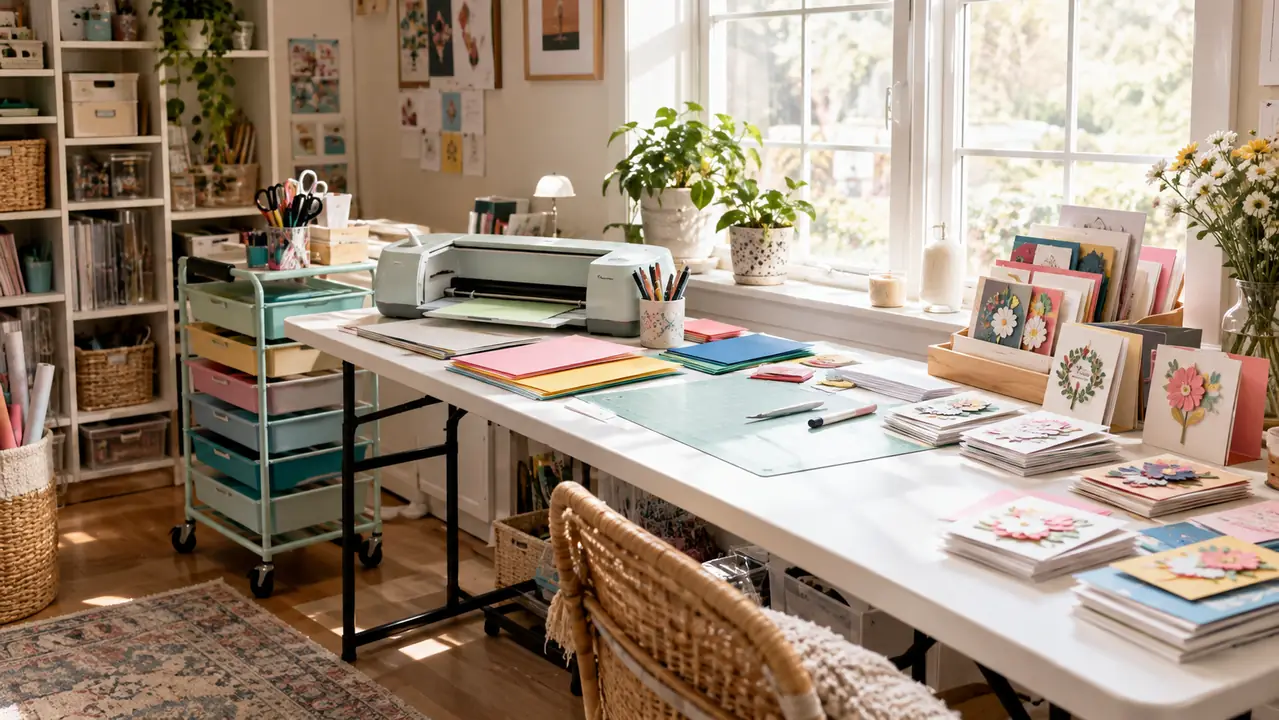
This is not one of those reviews that promises you will turn your spare room into a money-making business. It is a list of ten reasons the machine has earned a permanent spot on my folding table, in the spare bedroom I turned into a craft room after I retired from teaching middle school art. I rotate between card making, scrapbooking, a little sewing, and painting, so I need tools that earn their keep. The Maker 3 has done that, and here is what I have learned since I brought it home.
If You Cut Card Details by Hand, This Machine Ends That Chore
The Maker 3 bundle includes the cutting machine plus 30 images in Design Space, so you can start cutting the day it arrives. See what it actually costs today before you spend another evening with scissors.
Amazon Check Today's Price on Amazon →Clean Cardstock Cuts, Even for Fussy Intricate Designs
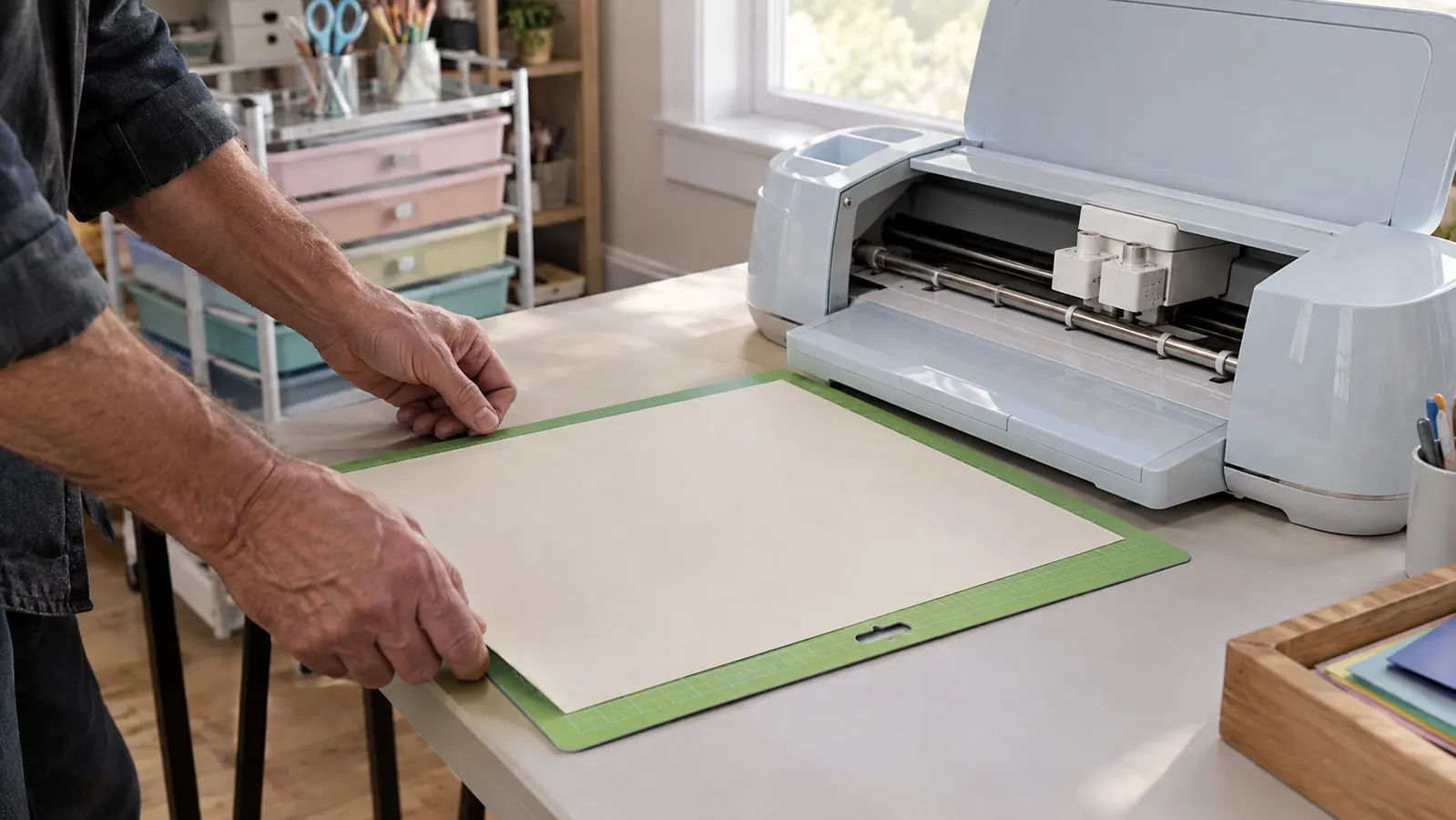
The first thing I cut was a circle, because I did not trust the machine yet. The second thing was a snowflake with points thinner than a pencil lead, and it came out so clean I held it up to the light to check for rough edges. The fine-point blade moves through standard cardstock smoothly, and the cutting mat holds the sheet flat so nothing shifts mid-cut. For someone whose thumb aches after twenty minutes with scissors, this alone would have been worth the price.
Scissors Can't Do This in Two Minutes
Hand cutting a detailed border takes me about forty-five minutes on a good day. The Cricut Maker 3 cuts the same border in about two minutes while I fold card bases at the same table. It is not that scissors are bad, they are just slow, and slowness is what made me abandon half-finished projects in the past. Being able to walk away while the machine does the work changed how many cards I actually finish in a month. That alone moved card making from a holiday chore to a year-round habit.
One Design, Ten Colors, Zero Re-Cutting
The feature I use most is also the simplest one. I design one card front, load a sheet of cardstock, press the button, and the machine cuts the same file again and again. That means a set of ten thank-you cards in ten different colors takes the same effort as a single card. For my monthly craft night, where everyone wants a slightly different version of the same design, this is the difference between a fun evening and an exhausting one.
It Grows With Whatever Hobby You're In That Month
I rotate between card making, scrapbooking, sewing, and painting, and I worried the machine would only earn its keep during card season. The Cricut Maker 3 also handles vinyl for stencils, fabric for small sewing projects, and even leather for the occasional gift tag. Blades swap in seconds, so moving between materials takes less time than finding my reading glasses. It is not the cheapest tool on my cart, but it is the one that gets used every month instead of just in December.
The Preview Saves You From Wasting Good Cardstock
Design Space, the free software that comes with the bundle, shows a preview of exactly where every cut will land before the blade touches the paper. I have caught myself trying to place a design half an inch off the sheet edge, and the preview caught it before I wasted a sheet of textured cardstock. For a retired teacher on a budget, that little check saves real money over the course of a year, and it saves the frustration of starting over.
Envelopes and Inserts That Actually Match the Card
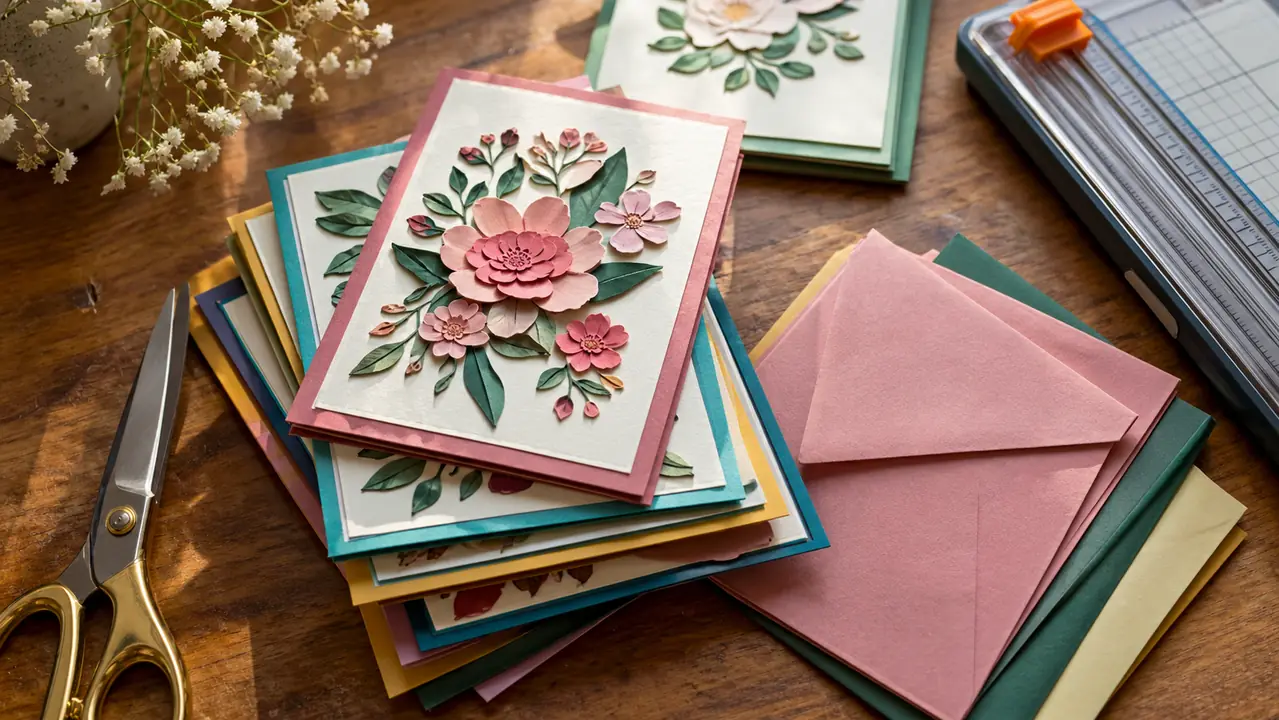
Store-bought envelopes come in standard sizes, and my handmade cards never quite fit them. The machine cuts envelopes to match any card I have made, plus inserts and liners, so the whole set looks like it came from a proper stationery shop. A friend at craft night asked where I bought the card I brought, and she did not believe it came out of my spare bedroom. That question never gets old. I have mailed more cards in the past six months than in the previous two years combined, mostly because the finished set feels complete.
It's Out and Ready in Under a Minute, Not Buried in a Closet
The biggest risk with any craft tool is that it ends up in a closet because setting it up feels like a project. The Maker 3 lives on my folding table, with the mats in the rolling cart of drawers beside it, so going from idea to cutting takes about a minute. I have learned that I use the tools I can reach without effort, and this one sits exactly where my hand lands. That is why it has earned its spot.
Gentle on a Thumb With Mild Arthritis
I have mild arthritis in my right thumb, and the squeezing, twisting, and pressing that hand cutting requires is exactly what makes it worse. The Cricut Maker 3 does all of that work for me. I load a mat, tap the screen, and let the machine do the gripping. The only strain is peeling the cardstock off the mat, and even that gets easier when I slide the flat spatula I keep in the drawer underneath. For anyone whose hands complain after an hour of crafting, this is the reason that matters most.
Cards Stop Looking Homemade, in the Best Way
I like the handmade look, but I do not like the wobbly-cut look. Since I started using the machine, my cards have straight edges, clean points, and details I could never manage with scissors. Friends have started asking if I am taking orders, and I have to explain that it is just a cutting machine and a lot of practice. The compliments are nice, but the real win is that the finished cards finally match the effort I put into them.
It Turns Craft Night Into a Studio
Once a month, a few friends come over with their own cardstock and ideas, and we gather around the folding table. Before the machine, craft night meant everyone cutting their own shapes and complaining about their hands. Now we take turns picking designs, and the Cricut Maker 3 keeps up with all of us. It is the closest my spare bedroom gets to a real studio, and it is the night I look forward to all month.
What I'd Skip
Honestly, if you only make a card or two a year, or if you enjoy the slow ritual of hand cutting and your hands do not complain, you do not need this machine. It is also not the tool for someone who wants to avoid learning any software, because Design Space is part of the deal and there is a learning curve, even if it is a gentle one. And if you have nowhere to leave it set up, the hassle of pulling it out and putting it away will probably win in the end. My rule is simple: buy it for the work you actually do, not the work you imagine doing.
In six months, I have cut roughly four hundred card fronts, and the original fine-point blade is still going strong.
Your Craft Table Has Room for One More Tool
If this list matches how you actually craft, the Maker 3 bundle is worth a look. Check today's price on Amazon and decide from there.
Amazon Check Today's Price on Amazon →