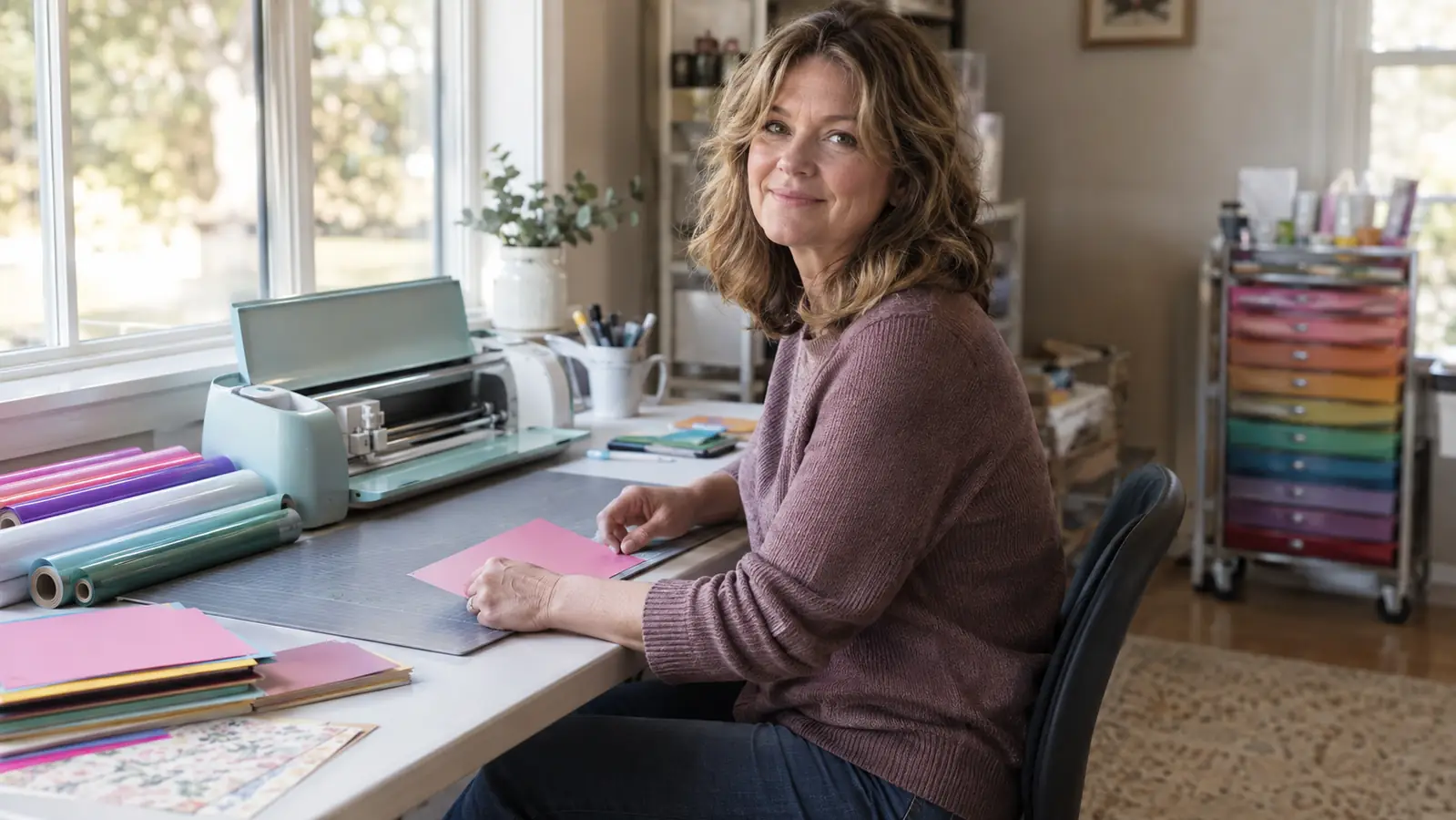
I teach a monthly craft night out of the spare bedroom I turned into a craft room, so when three friends asked in the same week whether they should buy a Cricut Maker 3 or a Cricut Explore 3, I did what any retired middle school art teacher would do. I borrowed one of each, cleared my long folding table under the window, and spent a month cutting cardstock, vinyl, fabric, and a few materials I probably should not have tried. I made cards for craft night, labels for my sewing basket, a test cut on a piece of leather scrap, and one very patient attempt at balsa wood. The verdict is simpler than the marketing makes it sound, and it has almost nothing to do with the number in the name.
Here is the short answer. Buy the Cricut Maker 3 if you ever see yourself cutting fabric, leather, balsa, or matboard, because it is the only one of the two that can. Buy the Cricut Explore 3 if your projects stay in the paper and vinyl family, because it does those exactly as well and costs less to get into. Most hobbyists I know are paper people, and most of them would be completely happy with the Explore 3. The mistake is buying the cheaper machine and then discovering six months later that you want to cut fabric, because that is how you end up owning two machines. I know three people who did exactly that, and two of them now have a barely used Explore 3 in a closet.
Why I Put Both Machines on the Same Table
Here is what I did not do. I did not read the spec sheet and pick a winner. Spec sheets compare cutting force and material counts, but they do not tell you which machine feels right when your right thumb has mild arthritis and you are on your third attempt at a stubborn sheet of cardstock. I used both machines for the same projects on the same table, switching back and forth over the course of a month. I kept a notebook with two columns. One column got a lot of notes about fabric and wood. The other column got a lot of notes about how easy everything was. I also paid attention to the sounds. The Maker 3 hums a deeper note when it cuts thick material, while the Explore 3 sounds busier, like it is working harder on the same job. That sound difference told me more about cutting force than any spec sheet did.
The other thing I did was listen to my craft night friends, because they are the real audience for this question. Half of them make cards and scrapbook pages. Two of them sew. One of them wanted to cut leather for earrings. Their projects barely overlap, and that overlap is exactly where the two machines part ways. The Maker 3 and the Explore 3 look alike, cut the same Smart Materials without a mat, and use the same Design Space app. The difference is in what they can do beyond paper, and that difference is bigger than the price gap suggests. I kept the notebook for a full month before I let myself have an opinion, because first impressions with new tools are almost always wrong.
| Cricut Maker 3 | Cricut Explore 3 | |
|---|---|---|
| Materials | Cuts 300+ materials, including fabric with the rotary blade and wood, leather, and matboard with the knife blade | Cuts 100+ materials, mostly paper, vinyl, cardstock, and iron-on |
| Cutting force | 10x cutting force, which is what lets it handle thick and tough materials | Standard cutting force, plenty for paper and vinyl |
| Fabric | Cuts fabric with the rotary blade, no backing or stabilizer required | No rotary blade support, so fabric is not a practical option |
| Matless cutting | Cuts Smart Materials up to 12 ft without a mat | Cuts the same Smart Materials up to 12 ft without a mat |
| Weight | Heavier and more solid, which helps it stay put during tough cuts | Lighter and easier to move from the craft room to the kitchen table |
| Price | Higher initial investment | Lower initial cost |
| Best for | Mixed-media makers who switch between paper, vinyl, fabric, and wood | Card makers, scrapbookers, and vinyl crafters who stay with paper and adhesive |
Where Cricut Maker 3 Wins
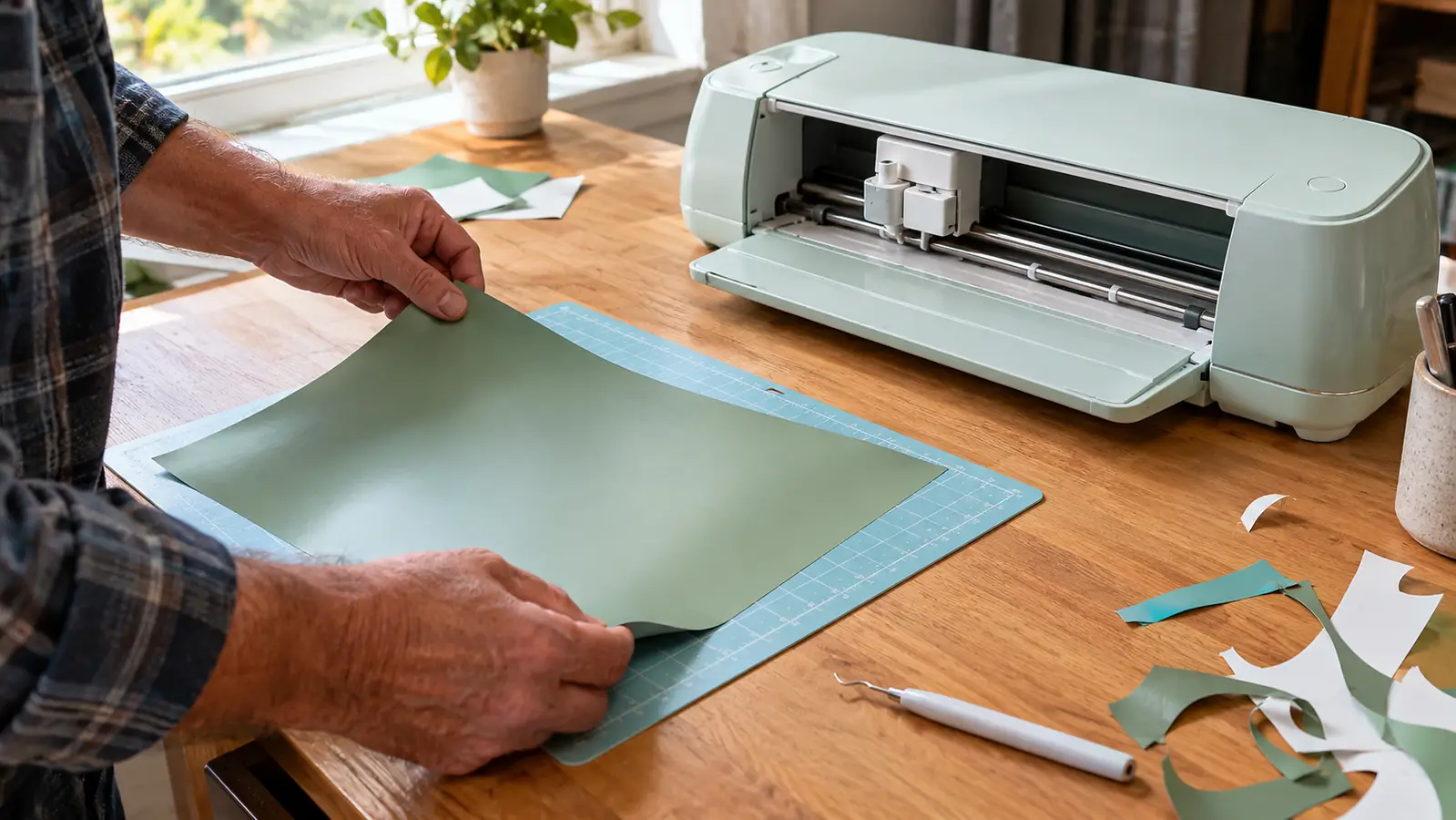
The Maker 3 wins on range, and range is the whole personality of the machine. The 10x cutting force is not a marketing number you can feel in everyday cardstock, but you can feel it the first time the machine pushes through a piece of balsa or a sheet of leather. The real difference is the tools. The Explore 3 works with the fine-point blade, the deep-point blade, and the scoring stylus. The Maker 3 adds the rotary blade for fabric, the knife blade for wood and matboard, the engraving tip, and the debossing tip. For someone who rotates between card making and sewing, that means I cut a set of fabric letters for a friend's quilt labels and a stack of birthday cards in the same afternoon, on the same machine, without changing a single setting. That afternoon is the clearest memory I have from the whole test, because it was the moment the two machines stopped being a spec sheet question and became a question about my own projects.
The force also shows up in fewer passes. On the Explore 3, thicker cardstock sometimes needs a second pass, and a second pass means realigning a sheet that has already been cut. On the Maker 3, most materials cut clean on the first pass. My arthritic right thumb cares less about raw power than about not having to feed the same sheet twice. The Maker 3 is also heavier, which sounds like a drawback until you realize it stays put when it is cutting at full force. My table does not creep and the machine does not walk. That steadiness is worth the extra weight, and it means I can start a cut and walk across the room to pour tea, something I never did with the lighter machine.
Where Cricut Explore 3 Wins
The Explore 3 wins on honesty. It knows exactly what it is: a paper, vinyl, and iron-on machine, and it does those jobs every bit as well as the Maker 3. For card makers and scrapbookers, the extra force and the extra tools on the Maker 3 simply never get used. I made the same card design on both machines and could not tell the cuts apart. The Explore 3 is also noticeably lighter. I carried both machines from my car to my craft room, and the difference was obvious by the time I reached the porch. If you pack your machine for a monthly craft night at a friend's house, that weight difference matters every single time you lift the box.
The Explore 3 also wins on the cost of getting started, and not just the machine itself. Its tool collection stays small and inexpensive because it does not need the rotary blade or the knife blade. You buy the machine, a fine-point blade, and a scoring stylus, and that is the whole kit. The Maker 3 tempts you with a drawer full of tools, and each one is a separate purchase. For a paper crafter, the smaller kit is not a compromise. It is a saving, and it is the difference between buying a machine and building a hobby around buying accessories. For a beginner, a smaller tool kit is also less intimidating. You learn the fine-point blade first, and you learn it well.
If your projects ever leave the paper aisle, this is the machine.
The Maker 3 cuts fabric, leather, balsa, and matboard with tools the Explore 3 cannot use, and it powers through thick cardstock in fewer passes. For mixed-media makers, that reach is worth the difference. It is the machine I would buy if I could only own one.
Amazon Check Today's Price on Amazon →The One Thing They Share: Smart Materials
Here is the part of this comparison that people get wrong. Matless cutting is not a Maker 3 feature. Both machines cut Cricut Smart Materials without a cutting mat, and both handle Smart Vinyl and Smart Iron-On up to 12 feet long. I cut a long vinyl quote for my craft room wall on both machines and the results were identical. The 12-foot length is a real thing, by the way. I cut a full window decal in one continuous piece and it came out straight. If a friend tells you the Maker 3 is the one because it cuts without a mat, they are repeating a misunderstanding. Let that feature decide nothing, because it is a tie.
The same goes for speed. Both machines are about twice as fast as the previous generation, and in real use I could not feel a difference between them. A card that took four minutes on one took four minutes on the other. The Design Space app is also identical. The projects you save, the fonts you buy, and the cut settings you tweak all live in the same place and work on either machine. Both machines also take the same pens, so your drawing and writing projects transfer between them without a second thought. So the things most people compare first are exactly the things that do not separate these two.
I cut fabric letters and a stack of birthday cards in the same afternoon. The Explore 3 would have needed a second machine for half of that.
What the Tool List Really Tells You
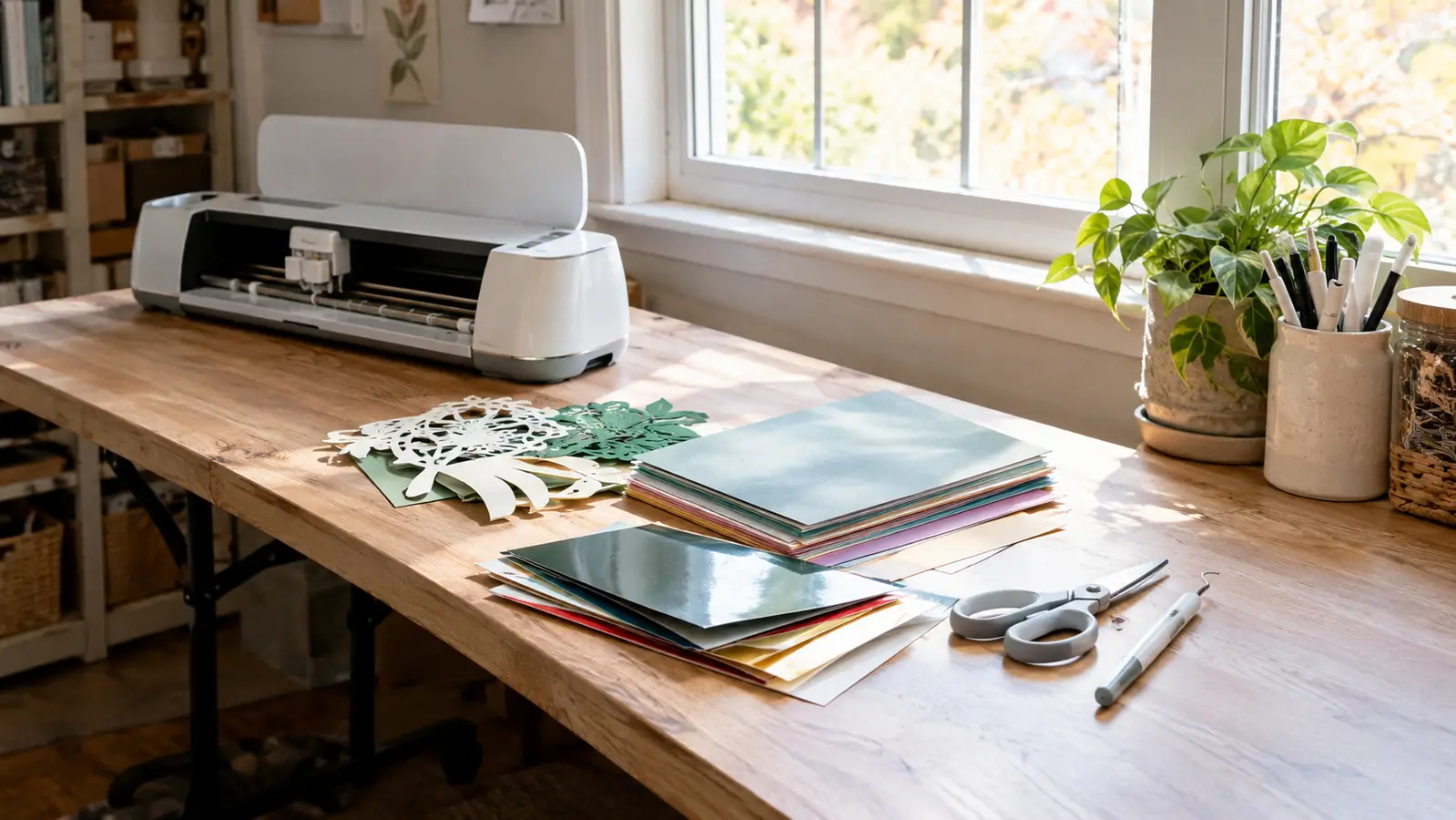
The best way to decide is to look at the tool list and ask yourself which tools you would actually use. If you have never wanted to engrave a metal blank or deboss a card front, the engraving and debossing tips on the Maker 3 are hypothetical. If you have a pile of fabric waiting for a quilt project, the rotary blade alone justifies the upgrade. I keep a small sewing basket in my craft room, and the rotary blade turned the Maker 3 from a paper cutter into a machine that earns its spot on my table. That is the test. Not which machine is more impressive on paper, but which machine has a tool you will reach for this month.
Be honest about your future self. A lot of crafters buy the bigger machine because they like the idea of someday cutting wood or leather, and a lot of them never open the knife blade. The reverse mistake is worse. Buying the Explore 3 and then discovering you want to cut fabric means buying a second machine, and that is the most expensive outcome of all. I have been that person with other tools. The cheapest purchase is the one you do not replace.
What I'd Tell a Friend at Craft Night
At the last craft night, I told my friends the decision comes down to one question: what is in your project pile right now, not what you think you might make someday. The sewer in the group should buy the Maker 3. The card maker should buy the Explore 3 and spend the difference on paper, which is where the real joy is anyway. The friend who wanted leather earrings is the perfect Maker 3 customer, because that project is specific, it is real, and it is never going to happen on the Explore 3. The answer was different for each of them, and that is the point. There is no single winner in this comparison, only the right machine for the projects you already have.
I also told them to think about where the machine lives. I have a permanent folding table under the window, so the Maker 3's weight is a non-issue. It sits there and it stays there. If your craft space is the kitchen table and you pack everything into a tote between sessions, the Explore 3 is the kinder choice. Both machines are the same width and take up the same footprint, so that part of the decision is also a tie. Only the weight and the tools actually differ, and the footprint being identical surprised me because the Maker 3 looks like it should be bigger. It is not.
Who Should Buy Which
Buy the Cricut Maker 3 if you sew, if you want to cut leather for earrings, if you have a roll of Smart Iron-On and a stack of balsa waiting, or if you like having the tool drawer full. Buy the Cricut Explore 3 if your projects are cards, scrapbook pages, vinyl decals, and shirts with iron-on, because it does all of those beautifully and it costs less to get into. The honest test is to look at what you made last month, not what you might make next year. That pile is the truest guide to which machine belongs on your table.
One more note for anyone with hand pain. The Maker 3 is heavier, but its single-pass cuts mean less re-feeding and less fiddling with misaligned sheets. The Explore 3 is lighter to lift, but you will spend more time on second passes for thick materials. For me, the steadier machine won. For someone who carries their craft supplies to a friend's house every week, the lighter machine might win instead. There is a right answer for each table, and it is not the same machine for everyone.
The Maker 3 is the machine I kept on my table.
After a month of switching back and forth, the Maker 3 is the one that stayed. It cuts the paper projects as well as the Explore 3, and it is the only one of the two that can handle fabric, leather, and wood. Check today's price and see if it fits your craft room.
Amazon Check Today's Price on Amazon →