
I have owned a lot of craft tools that sounded great in the store and ended up in the back of a closet. So when I finally bought the Cricut Maker 3, I told myself I would give it a real season of use before I decided whether it earned a spot on my table. Months later, after dozens of cards, a stack of vinyl projects, and one very stubborn piece of leather, I have opinions. Here they are.
If you are trying to decide between this machine and something cheaper, or between this machine and no machine at all, this review is for you. I am not a professional crafter. I am a retired art teacher with a spare bedroom full of supplies and a mild case of arthritis in my right thumb. I care about whether a tool is easy to load, easy to clean, and easy on my hands.
The Quick Verdict
The Cricut Maker 3 is the most capable cutting machine I have used, and the one I reach for every week. It is not cheap, and the software takes patience, but for a hobbyist who wants to cut more than paper, it earns its place.
Amazon Check Today's Price →Ready to cut more than paper?
The Cricut Maker 3 handles vinyl, leather, and hundreds of other materials with the same machine. See today's price on Amazon and decide for yourself.
Amazon Check Today's Price on Amazon →How I've Used It
My craft room is the spare bedroom, with one long folding table under the window and a rolling cart of drawers beside it. The Cricut Maker 3 lives on that table, and it has been there for months, which is the highest compliment I can give a tool. It is not tucked away. It is not waiting for a special occasion. It is out, plugged in, and ready.
The machine sits at the left end of the folding table, with the mats hanging on two hooks I screwed into the side of the rolling cart. That placement matters more than it sounds. The Cricut Maker 3 feeds material out the back as it cuts, so it needs about a foot and a half of clear space behind it when you cut long vinyl without a mat. The first week I had it pushed against the wall, and a strip of vinyl curled up against the paint and pulled itself off line. Moving it forward six inches fixed the problem for good.
In that time I have used it for birthday cards, thank you notes, a set of labels for my pantry jars, vinyl decals for a friend's water bottles, and a leather bookmark project that tested both the machine and my patience. I have also used it for scrapbook titles and a few small sewing projects, because the Maker 3 can cut fabric and even engrave with the right tools.
A typical week looks like this: two or three short sessions of cards or labels, each under an hour, and one longer Saturday project where I try something new. The short sessions are where the Cricut Maker 3 earns its place. I can open the design I saved last month, load a sheet of cardstock, and have a stack of card fronts cut before my tea goes cold. Before this machine, the same stack meant an afternoon with a craft knife and a sore thumb.
I keep a notebook next to the machine, and I write down what worked and what did not. That notebook is the source of most of what follows. I am not testing in a lab. I am testing at a folding table with a cup of tea and a pair of reading glasses.
What the Maker 3 Does That Cheaper Machines Don't
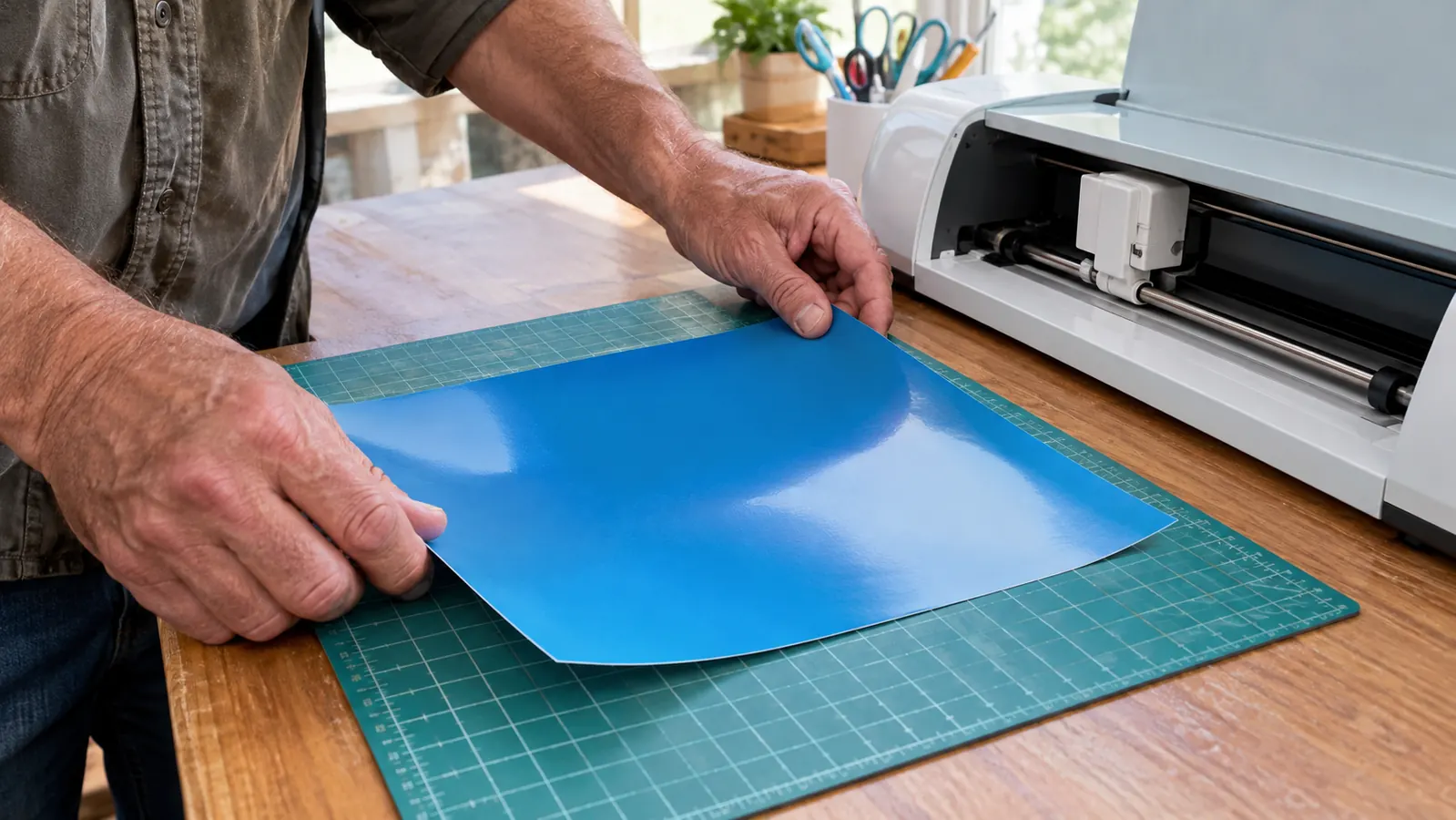
The biggest difference between the Cricut Maker 3 and the cheaper machines in the Cricut lineup is the cutting force. The Maker 3 has ten times the cutting force of the original Cricut Maker, and it shows. It cuts through thick materials like leather and matboard without slowing down or dragging. My leather bookmark experiment was not a disaster. It was a success, and that surprised me.
The other big difference is speed. Cricut says the Maker 3 is two times faster than the previous generation, and I believe it. A card design that used to feel like a coffee break now finishes before I have finished my tea. For a hobbyist, speed matters less than reliability, but it is a nice bonus when you are making six cards for a class party.
Speed only applies to the Smart Materials, the vinyl and iron-on made to feed without a mat. On ordinary cardstock on a mat, the Maker 3 runs at roughly the pace of any other good cutter. I timed a sheet of 12 snowflakes for my craft night: about four minutes on cardstock, and under two minutes for the same design in Smart Vinyl. If most of your work is paper, do not buy this machine for the speed claim. Buy it for the range of materials and the consistency of the cuts.
The Maker 3 also cuts over 300 materials, from paper and cardstock to vinyl, iron-on, leather, and even thin wood. I have not tried all 300, obviously. I have tried maybe a dozen, and every one of them cut cleanly with the right settings. The machine does not do the work for you. You still have to choose the right material setting and the right blade. But the machine gives you room to grow.
The Software Is the Real Learning Curve
Here is what nobody tells you before you buy: the machine is the easy part. The Cricut Design Space software is where you will spend your time, and it has a learning curve. The first time I opened it, I felt like I was back in a faculty meeting where everyone else already knew the agenda.
Design Space is free to use, and it runs on a computer, a tablet, or a phone. I use it on my laptop, because the screen is bigger and my arthritic thumb does not have to do fine work on a small screen. You can upload your own images, use the images included in the bundle, or buy designs from the Cricut library. The bundle I bought included 30 images in Design Space, which was a nice way to start without spending more money.
The software has improved a lot over the months I have used it. Updates come regularly, and some of the early frustrations I had, like text not staying where I put it, have been fixed. But it is still not as intuitive as I would like. If you are not comfortable learning new software, factor that into your decision. The machine is wonderful. The software is work.
The machine is wonderful. The software is work. That is the honest tradeoff of the Cricut Maker 3.
How It Handles the Materials I Actually Use
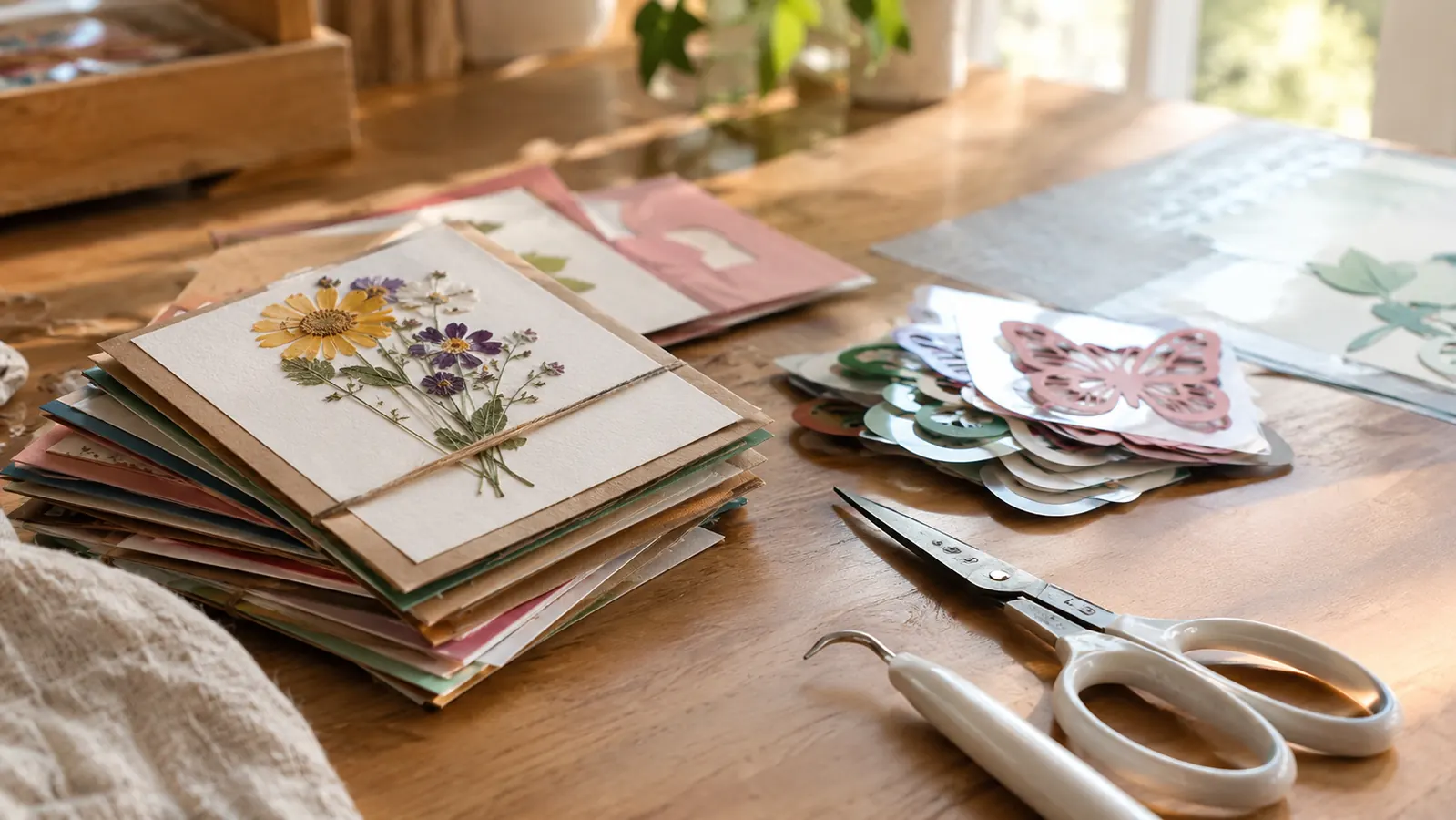
Cardstock is the backbone of my craft room, and the Maker 3 cuts it beautifully. I have used it for intricate card designs with tiny letters and delicate borders, and it cuts them cleanly every time. The key is using a fresh mat and the right pressure setting. A worn mat will let paper shift, and shifted paper means ruined cards.
I go through a lot of 65 lb and 80 lb cardstock, and the fine point blade handles both cleanly as long as the mat is still sticky. The detail work is where I was most impressed. A lace border with holes smaller than a grain of rice came off the mat intact on the first try, which I could never have managed by hand. The trick is the mat, not the blade: a light grip mat for thin paper, a standard grip mat for cardstock, and a spatula tool to lift the delicate pieces instead of peeling them.
Vinyl is where the Maker 3 really shines. I have made labels, decals, and a set of monogrammed water bottles for my craft night friends. The cuts are precise, and the weeding, which is the part where you pull away the excess vinyl, is easier than I expected because the cuts are so clean. My thumb gets tired if I weed a large design, but that is true with any cutting machine.
Leather is the material that surprised me most. I bought a small piece of craft leather for a bookmark project, fully expecting the machine to struggle. It did not. The Maker 3 cut through it like it was thick cardstock. The leather did leave some residue on the mat, and I had to clean the mat afterward, but the cut itself was perfect.
Thicker materials need the knife blade, which is sold separately, and the patience to let the machine make several passes. A small leather keychain took about ten minutes and six passes. I check the cut before I unload the mat, because once you lift it, you cannot line it back up. For anything thick, I tape the edges of the material to the mat with painter's tape, because even a strong grip mat can let a stiff piece shift a hair, and a hair is enough to ruin a clean edge.
The Things I Wish I Knew Before Buying
First, the machine is bigger than it looks in the photos. It is about two feet long and weighs over 15 pounds. It fits on my folding table, but it takes up a real chunk of space. Measure your table before you buy, not after.
Second, you will need accessories. The machine comes with a fine point blade and a cutting mat, but you will want extra mats, a weeding tool, and probably a brayer. None of that is included, and it adds up. The bundle I bought included the digital content, which was nice, but the physical accessories were still on me.
Third, the machine is not quiet. It is not loud, but it is not silent. If you craft while someone else watches TV in the next room, they will hear it. I have learned to cut during the day when the house is quiet.
Fourth, the mats wear out, and they wear out faster than the box suggests. A standard grip mat gave me about 40 full cuts before paper started sliding. You can rinse a mat with lukewarm water and let it air dry to bring back some of the tack, and I do, but plan on replacing mats a few times a year if you cut every week. I keep the clear plastic cover on every mat between sessions, which keeps dust and stray threads off the surface and makes the grip last noticeably longer.
What I Liked
- Cuts 300+ materials, including leather and thin wood
- Two times faster than the previous generation
- Ten times the cutting force of the original Maker
- Precise cuts that make weeding vinyl much easier
- Free Design Space software with regular updates
- Bundle includes 30 images to start with
Where It Falls Short
- Design Space software has a real learning curve
- Accessories like extra mats and tools are not included
- Machine is large and heavy for a hobby room
- Not quiet while cutting
- Expensive compared to the Explore series
Who This Is For
The Cricut Maker 3 is for the crafter who has hit the ceiling of a paper-only machine. If you make cards and scrapbook pages and you are happy with that, a smaller machine will serve you fine. But if you have ever looked at a roll of vinyl or a piece of leather and thought, I wish I could cut that, the Maker 3 is the machine that says yes.
It is also for the crafter who wants one machine instead of three. I use mine for paper, vinyl, fabric, and leather. I do not need a separate vinyl cutter or a separate fabric cutter. The Maker 3 does all of it, and it does all of it well. For a hobbyist with limited space, that is a real advantage.
It also suits anyone whose hands are slowing down. The arthritis in my right thumb used to limit how many card fronts I could cut by hand in one sitting. The Cricut Maker 3 does the cutting and leaves me the weeding, assembly and decorating, which are the parts I actually enjoy. That shift alone kept card making in my week through a stiff winter.
Who Should Skip It
If you only make cards and scrapbook pages, save your money. The Cricut Explore 3 cuts paper and vinyl beautifully, and it costs less. The Maker 3's extra cutting force only matters if you actually cut thick materials. Do not pay for capability you will not use.
If you are not willing to learn Design Space, skip it too. The software is the price of admission. You can upload your own images and use the included ones, but you will still need to learn how the program thinks. I have seen crafters give up on the whole hobby because the software frustrated them. That is a real risk, and you should know it before you buy.
Still deciding?
The Cricut Maker 3 is the most capable cutting machine I have used, and it earns its spot on my table every week. Check today's price on Amazon and see if it belongs on yours.
Amazon Check Today's Price on Amazon →