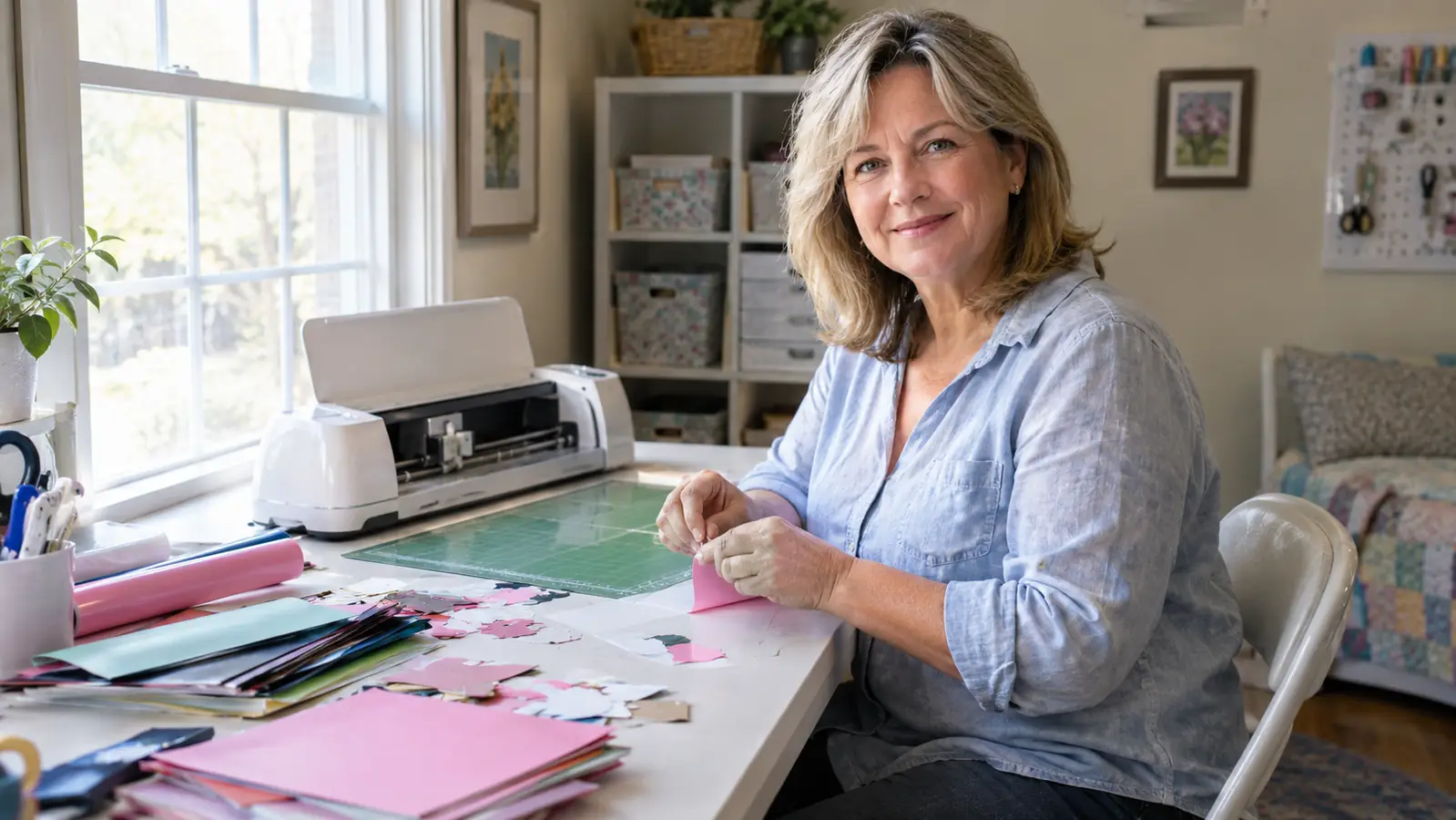
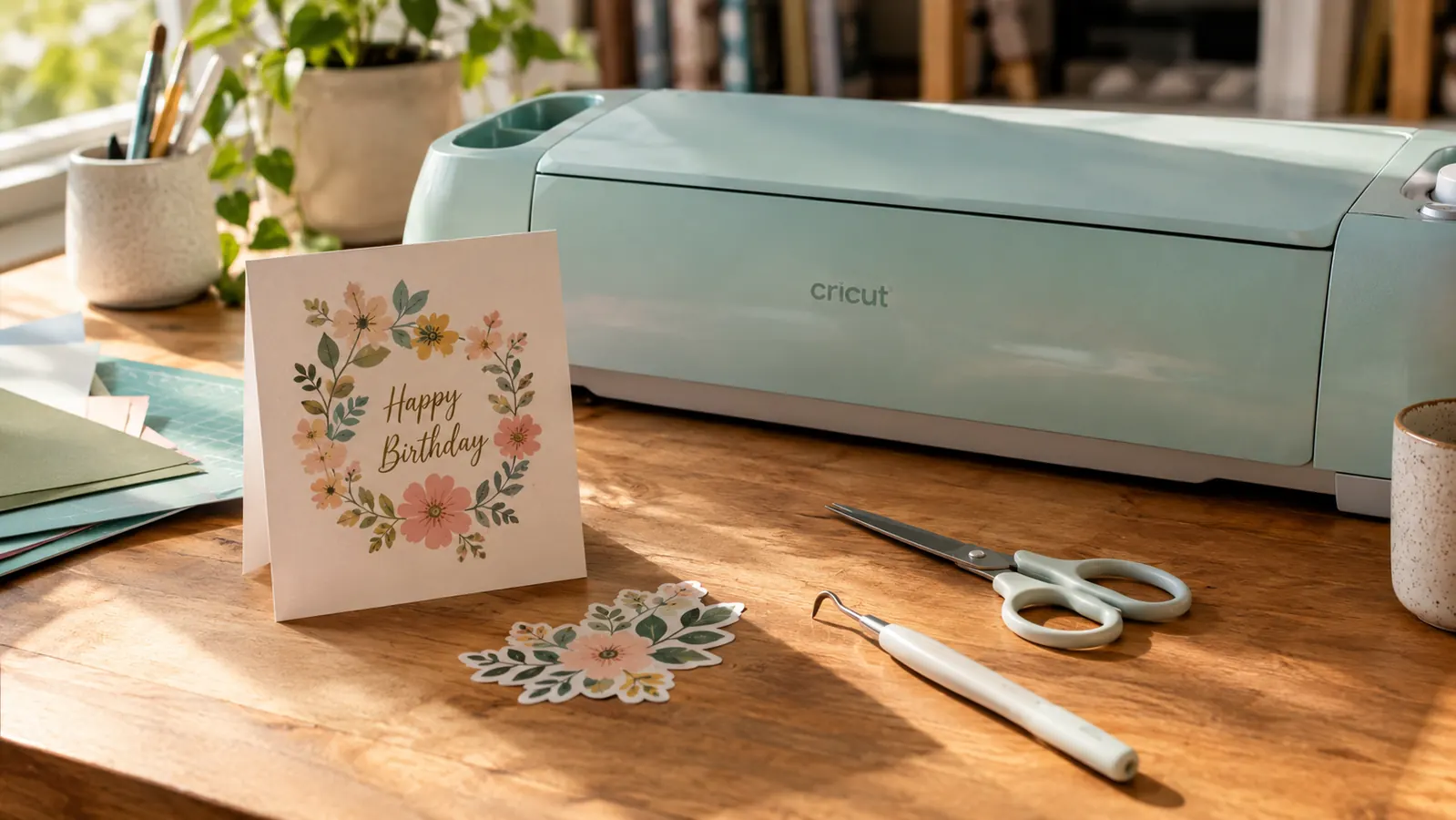
I will start with the part nobody puts on the box: the Cricut Maker 3 is a wonderful machine and it is also a system you have to buy into. I am Paula, I taught middle school art for thirty years, and I have spent the last year using this machine in the spare bedroom I turned into a craft room. I have made birthday cards, vinyl decals for a friend's camper, fabric labels for a quilt, and enough paper flowers to fill a parade. I have also spent real money on mats, blades, and materials I did not plan for. This review is the honest version, the one I would give you if we were standing at the craft store checkout.
The short version: the Cricut Maker 3 cuts more materials than I will ever need, it is fast, and the software is surprisingly easy to learn. The longer version includes a learning curve, a subscription question, and a few things that made me want to throw the manual across the room. If you are trying to decide whether this machine belongs on your table, here is what I wish someone had told me.
The Quick Verdict
A genuinely capable machine that earns its place if you will actually use the range of materials. If you only cut paper, the Explore 3 does the same job for less.
Amazon Check Today's Price →The machine that finally cut through my skepticism
After a year of weekly projects, the Cricut Maker 3 is still the first thing I reach for when a project needs a clean cut. Check today's price on Amazon and see if it fits your craft table.
Amazon Check Today's Price on Amazon →How I Have Used It
I bought my Cricut Maker 3 in January, mostly because I wanted to cut vinyl without ruining another sheet with a craft knife. My hands are not what they used to be, I have mild arthritis in my right thumb, and hand cutting small letters had become a genuine frustration. The machine arrived in a box the size of a small suitcase, and the setup took me about forty minutes including the software download. I am not handy with technology, so that felt reasonable.
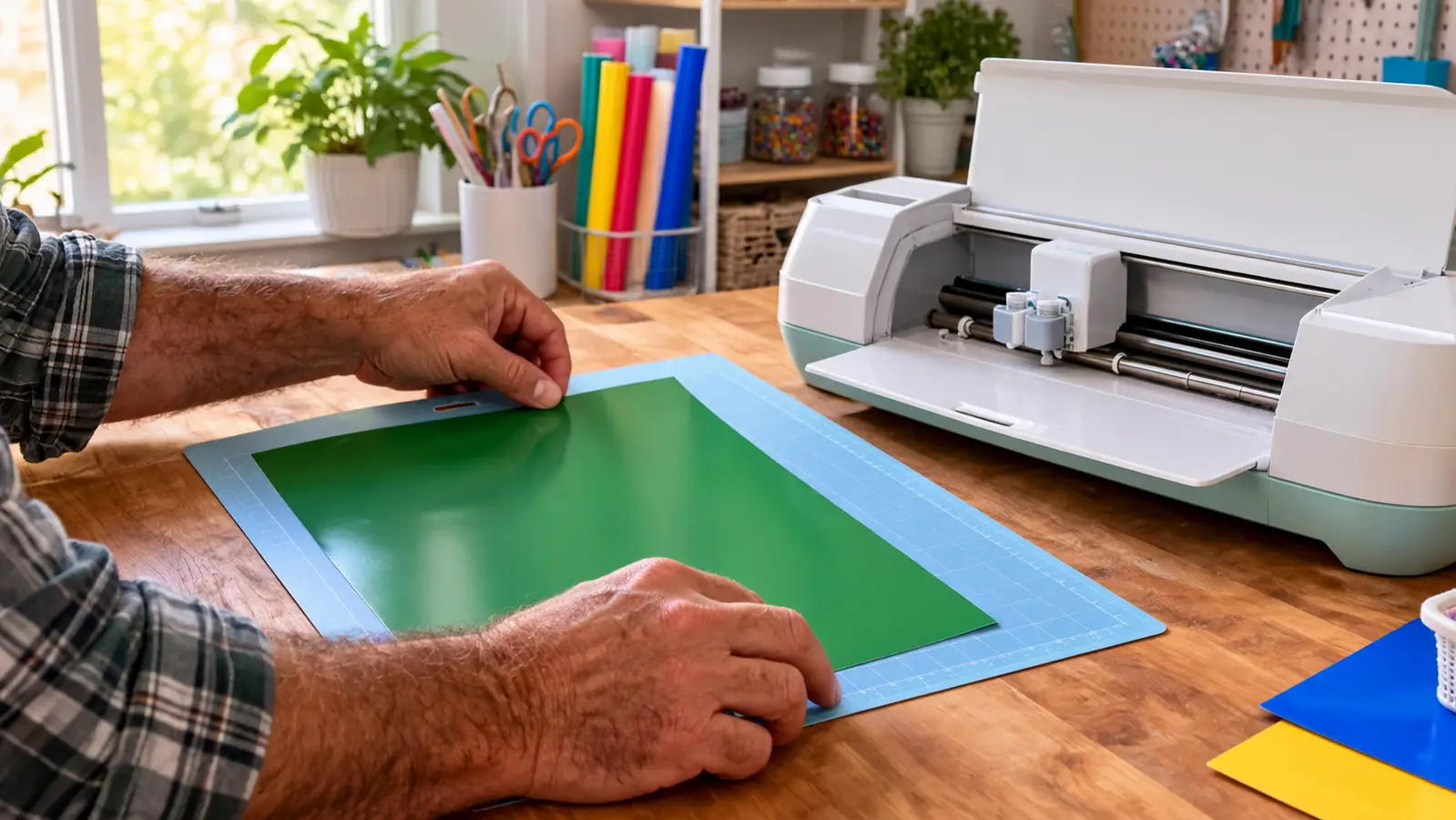
The setup took longer than I expected, and not because of the machine. Unboxing and plugging it in took ten minutes. Creating an account, installing Design Space on my laptop, pairing the machine and running the first test cut took most of an evening. The first test cut is a small card, and I recommend doing it exactly as the software walks you through. I skipped ahead on my first try and loaded the mat upside down, which the machine will happily cut anyway.
Since then I have used it at least once a week. My craft night group meets monthly, and the Cricut has become the guest of honor. We have cut cardstock for layered cards, iron-on vinyl for matching tote bags, and one memorable night, leather for a friend who makes journal covers. The machine handled all of it. I have also cut fabric for a quilt label, which is something I did not expect to work as well as it did.
Craft night is a good stress test for any tool, because it is the only time several people use it in one evening. Four of us cut name tags, gift tags and a set of iron-on designs for tote bags. Nobody had used a Cricut Maker 3 before that night, and everyone was cutting on their own within twenty minutes. The part that slowed us down was not the cutting. It was weeding vinyl, which takes a hook tool, good light and a fair amount of patience.
The bundle I bought included a digital content library with 30 images in the Design Space app. I will be honest, I have used maybe six of those images. The included designs are fine, but the real value for me has been uploading my own files and using the basic shapes to build my own layouts. If you are deciding between the bundle and the machine alone, the extra images are a nice starter pack, not a reason to pay more.
What Nobody Tells You Before You Buy
Here is the part I wish someone had explained. The Cricut Maker 3 is not just a machine, it is a system with ongoing costs. You need mats, and they wear out. You need blades, and they dull. You need materials, and the good ones are not cheap. The machine itself is the least expensive part of the hobby, and that is true no matter which brand you choose.
Think of the machine as the start of a hobby budget rather than the whole of it. In my first three months I added a second grip mat, a weeding tool set, a scraper, a roll of transfer tape, a few rolls of vinyl, a pack of iron-on and the knife blade. None of those are unreasonable on their own, and most are cheaper than the same supplies at a craft store. But they add up, and nobody mentions them in the excitement of unboxing.
The other thing nobody tells you is that the software does a lot of the thinking for you, which is wonderful until it is not. Design Space is cloud based, so you need an internet connection to use most of its features. I live in Longmont, Colorado, and our internet is reliable, but I have heard from friends in rural areas that the cloud requirement is a real problem for them. If you want a machine that works entirely offline, this is not it.
There is a learning curve to the vocabulary, too. Weld, attach, slice, flatten and offset all mean specific things in Design Space, and using the wrong one sends a design to the mat in pieces. I learned attach the hard way, when a card front with a lettered greeting came out with every letter scattered across the mat in a tidy row. Ten minutes with a free tutorial would have saved me a sheet of good cardstock. Watch a beginner video before your first real project; it pays for itself in paper.
The machine itself is the least expensive part of the hobby, and that is true no matter which brand you choose.
The Subscription Question
Cricut offers a subscription called Access, and I have gone back and forth on whether it is worth it. The subscription gives you a large library of images and fonts, plus discounts on materials. I tried it for three months and then let it lapse, because I found myself using the same dozen fonts and my own uploaded images most of the time.
That said, if you are new to this and you do not have a collection of fonts and files, the subscription is a cheap way to experiment. My friend Carol kept hers because she makes personalized gifts and needs new designs constantly. I would say try it for a month, see how often you actually use the library, and then decide. The machine works perfectly well without it.
My compromise was to subscribe for two months while I learned, use the library heavily, and then cancel once I had a folder of my own saved designs and a few fonts I had bought outright. The machine works perfectly well without the subscription. You can upload your own images, use any font installed on your computer, and cut anything you can draw. Nothing about the Cricut Maker 3 stops working when the subscription ends.
What It Cuts, and What It Does Not
The Cricut Maker 3 cuts over 300 materials, which sounds like marketing until you start testing it. I have cut cardstock, vinyl, iron-on, leather, craft foam, and fabric with a rotary blade. The machine is genuinely fast, about twice as fast as the older model my friend owns, and the extra cutting force matters when you are cutting thick materials like leather or matboard.
In practice my cutting has settled into five materials: cardstock, adhesive vinyl, iron-on, felt and thin chipboard. Felt cuts beautifully with the rotary blade on the pink fabric grip mat, with no fraying and no stray fibers. Chipboard needs the knife blade and a slow, patient cut, but it turns out sturdy letters for scrapbook titles and shadow boxes. Fabric for quilting is the one I expected to use most and use least, mostly because my sewing projects are small.
What it does not cut is the thing you need to know. It will not cut wood thicker than a certain point, it will not cut metal, and it will not cut anything with a hard backing that could dull the blade. I tried cutting a thin piece of balsa wood once, and the machine struggled. If your projects involve thick wood or acrylic, you need a laser cutter, not this machine.
The other limitation is the Smart Materials. The machine can cut certain materials without a mat, which is a clever feature, but those materials are Cricut brand and they cost more. I have used the matless feature maybe three times. For most projects, I still use a standard mat because it is what I have and it works fine.
The Design Space Software
Design Space is the software that runs the machine, and it is both the best and the most frustrating part of the Cricut experience. The best part is that it is genuinely easy to learn. I taught myself in an afternoon, and I am the person who still prints directions for the printer. You can upload your own images, use basic shapes, and arrange everything on a virtual mat before you cut.
The frustrating part is that it is cloud based, which means it can be slow. I have had projects where I hit the cut button and then waited while the software thought about it. I have also had a few moments where the software updated overnight and the layout looked different in the morning. Nothing catastrophic, but enough to make me save my files carefully.
Twice in a year the software would not open because of an update, and once my Wi-Fi was down on a craft night. The fix for the second problem is to save your projects for offline use on the desktop app before you need them. I now do that with anything I plan to cut away from home. It is a small habit, and it means a router problem never ruins an evening again.
My advice is to learn the basics before you buy any extra fonts or images. The free shapes and the ability to upload your own files cover most of what a hobbyist needs. I have made some of my favorite cards using nothing but a circle, a rectangle, and a word in a basic font.
Start with three skills: uploading a simple image, attaching text so it cuts in place, and using the offset tool to make a shadow layer. Those three cover most cards, labels and gift tags. Everything else in Design Space can wait until a project actually needs it, and by then you will know exactly what to search for.
The Pros and Cons
What I Liked
- Cuts a huge range of materials, from paper to leather to fabric
- Fast, about twice the speed of the older Maker model
- Software is easy to learn, even for a non-techie
- Quiet enough to use while watching television
- The rotary blade makes fabric cutting genuinely useful
Where It Falls Short
- Ongoing costs for mats, blades, and materials add up
- Design Space requires an internet connection
- Smart Materials are convenient but pricey
- The subscription is optional but tempting
- Not for thick wood, metal, or acrylic
Who This Is For
The Cricut Maker 3 is for the person who makes things more than once a month. If you are making cards for every birthday, labels for your home organization, or gifts for your craft night group, this machine will pay for itself in saved time and saved frustration. It is also for the person who wants to experiment with different materials without buying three different machines.
It is especially good for fabric lovers. The rotary blade cuts fabric cleanly and accurately, which means you can cut quilt pieces, applique shapes, and fabric labels without the hand cramps I used to get from scissors. For someone with arthritis in the thumb, that alone is worth a lot.
It is also good for anyone who makes the same thing over and over. Once a design is saved, the hundredth cut is as clean as the first. I make the same set of thank you card fronts every few weeks, and the Cricut Maker 3 makes that repetition painless instead of tedious, which is a bigger deal than any single feature on the box.
Who Should Skip It
If you only cut paper, save your money and get the Cricut Explore 3 instead. It does the same job for cardstock and vinyl at a lower price, and you will not miss the extra cutting force. I have a friend who bought the Maker 3 and uses it exclusively for paper, and she admits she overbought.
You should also skip it if you hate the idea of ongoing costs or if you want a machine that works completely offline. And if you are not sure you will use it, borrow a friend's machine for a weekend first. I have seen too many cutting machines become expensive dust collectors, and I would rather you spend your money on materials you will actually use.
Still on the fence? That is fair.
The Cricut Maker 3 is not for everyone, but for the right crafter it is a joy. Check today's price on Amazon, and if you buy it, give yourself a weekend to just play with it.
Amazon Check Today's Price on Amazon →